 01
01Getting Started
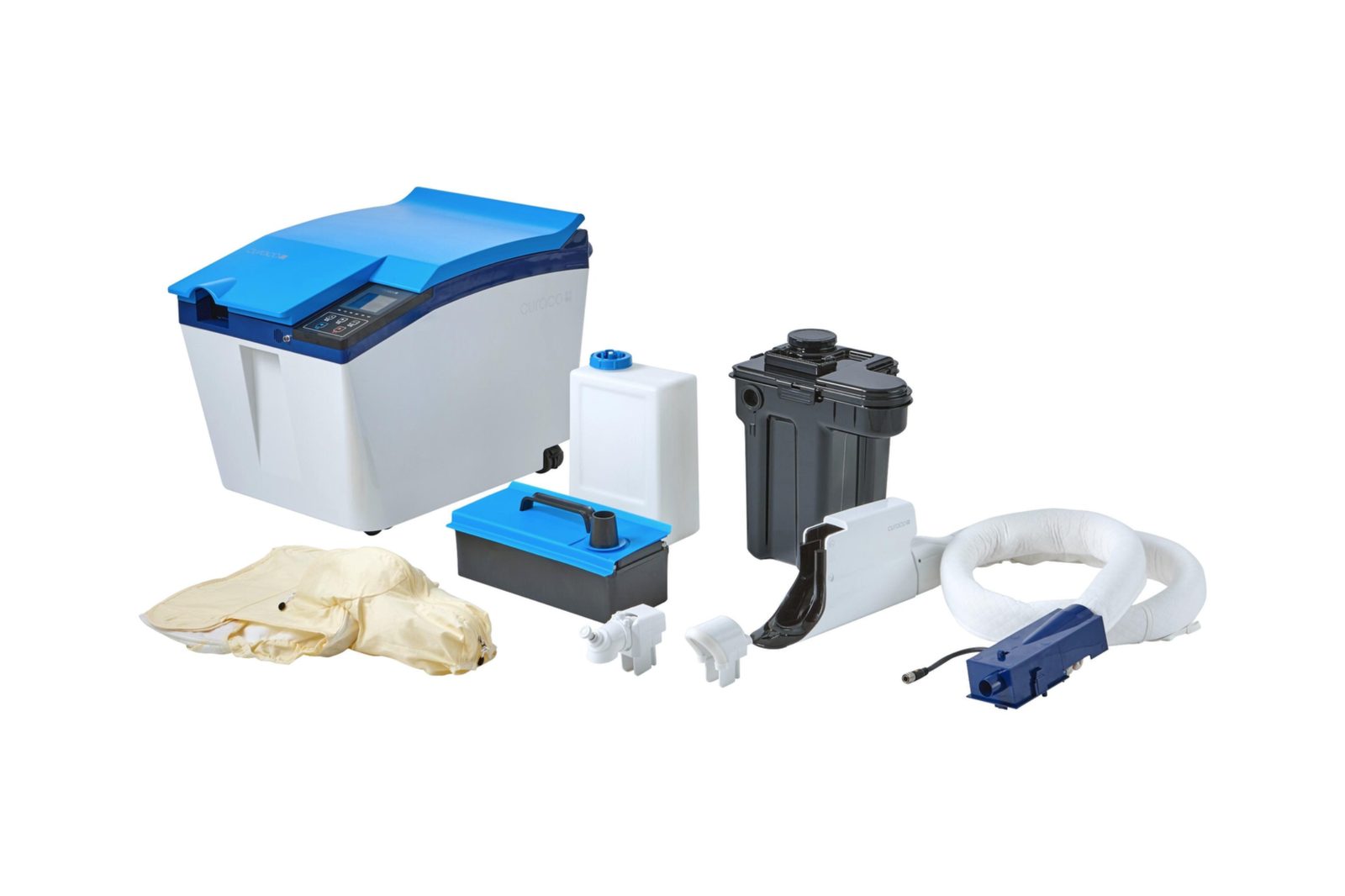
Unpacking and Assembly
Open the Carebidet shipment and identify the primary components for setup.
Watch VideoView Quick Guide


Carebidet Help & Training
Training videos, quick guides, troubleshooting, parts, manuals, and support — all in one place.
Training Video Library
Select a training topic below to load it into the Vimeo player. The library is organized by task so users can move from setup and daily use through cleaning, storage, and troubleshooting.
01Open the Carebidet shipment and identify the primary components for setup.
02Prepare the system, tanks, connections and controls before use.
 03
03Step-by-step placement and fitting of the Diaper Cup.
04How to reposition the individual while maintaining proper Carebidet placement.
05Safely remove the Diaper Cup after use.
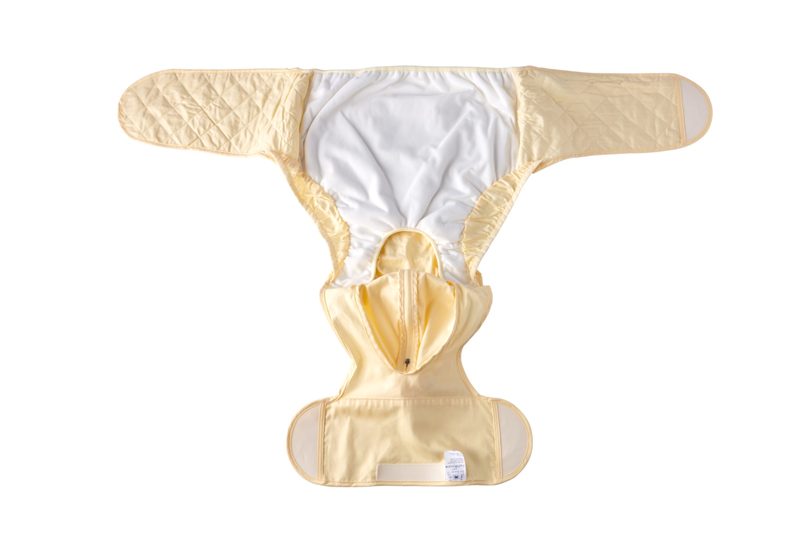 06
06Apply the Motion Control Wrap for a male individual.
07Apply the Motion Control Wrap for a female individual.
18Carebidet perineal-care procedure and routine care considerations.
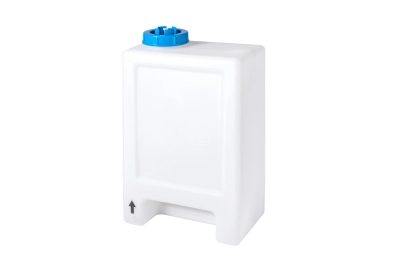 09
09Clean the Carebidet water tank as part of routine maintenance.
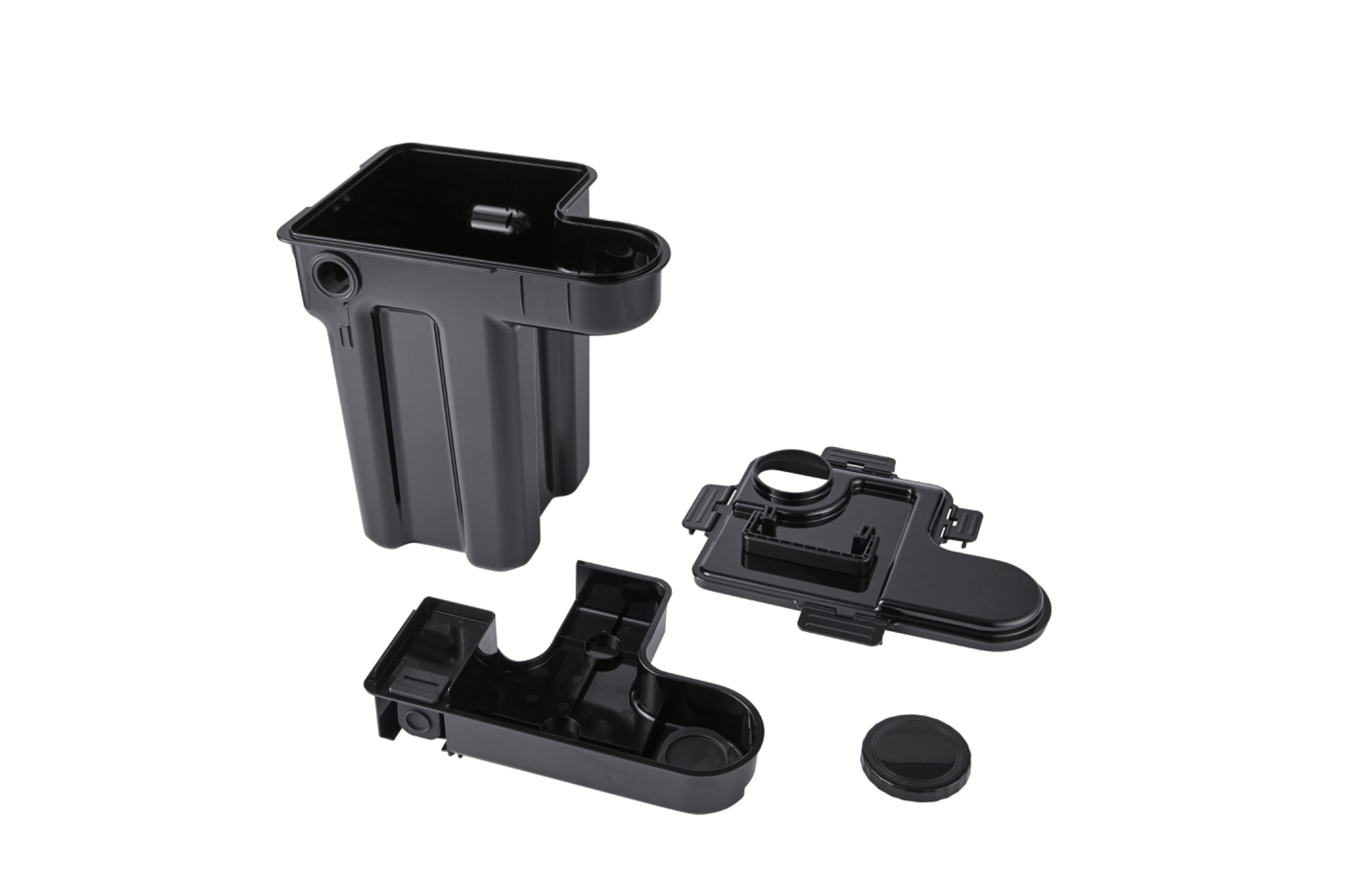 10
10Clean and care for the Carebidet sewage tank.
11Remove the Diaper Cup tube cover before the related cleaning procedure.
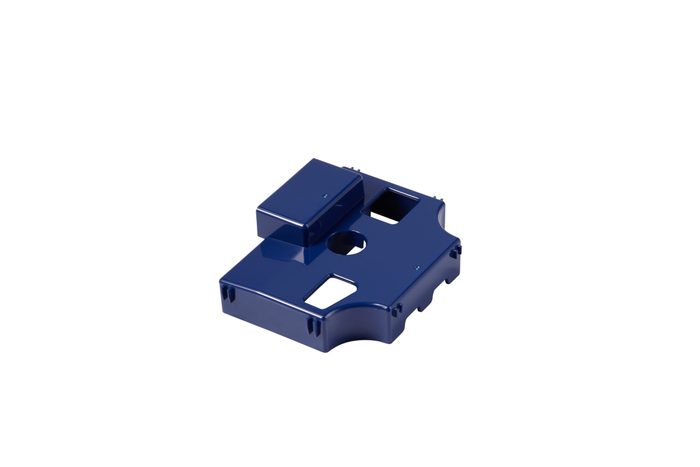 12
12Disinfect the water tank and reservoir using the approved procedure.
 13
13Run the Carebidet tube-cleaning procedure.
 14
14Disinfect the tube after cleaning, following the approved sequence.
16Clean and disinfect Carebidet parts using the approved maintenance procedure.
08Prepare Carebidet for short-term storage between uses.
 15
15Prepare Carebidet for extended storage using the long-term procedure.
 17
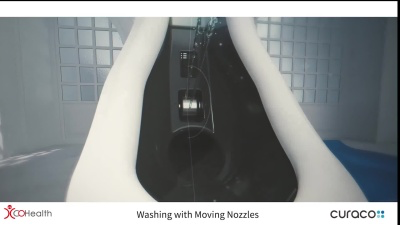
17Review common Carebidet alerts and the first troubleshooting steps to take.
Parts & Components
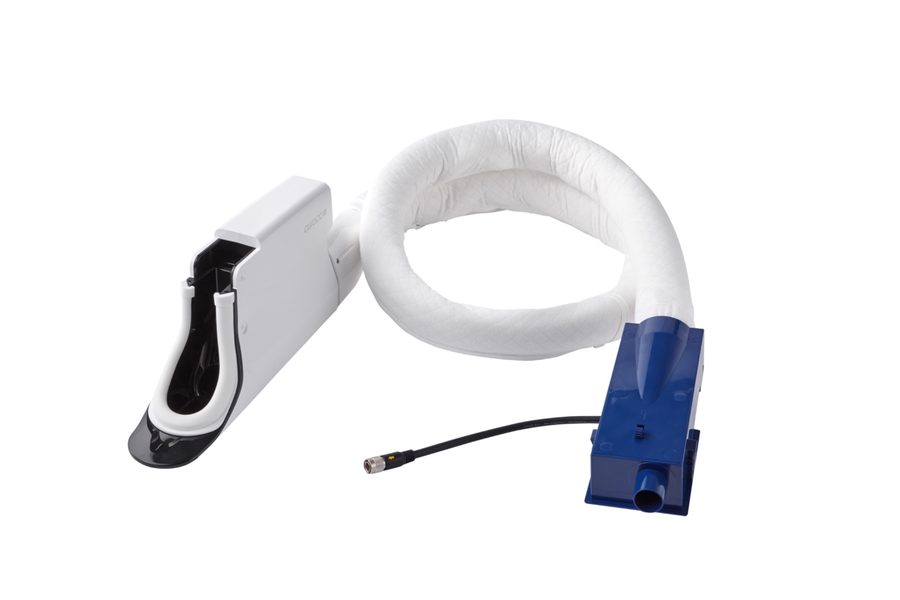
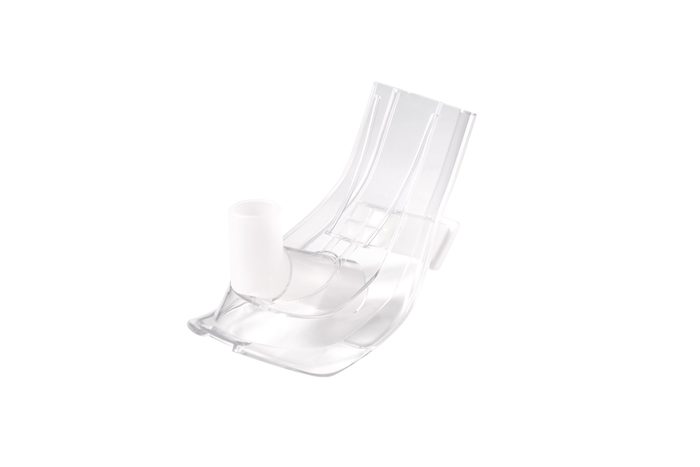
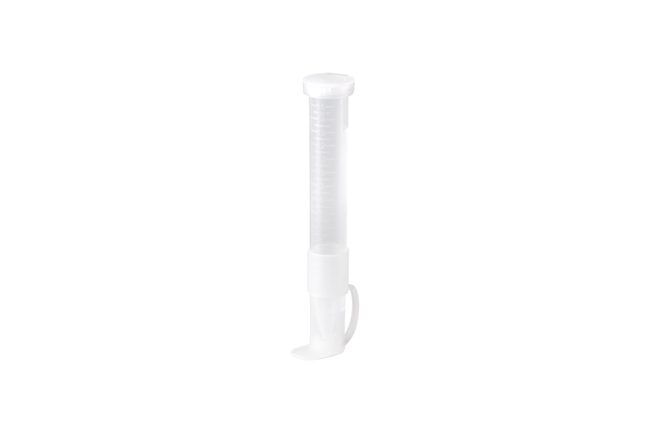
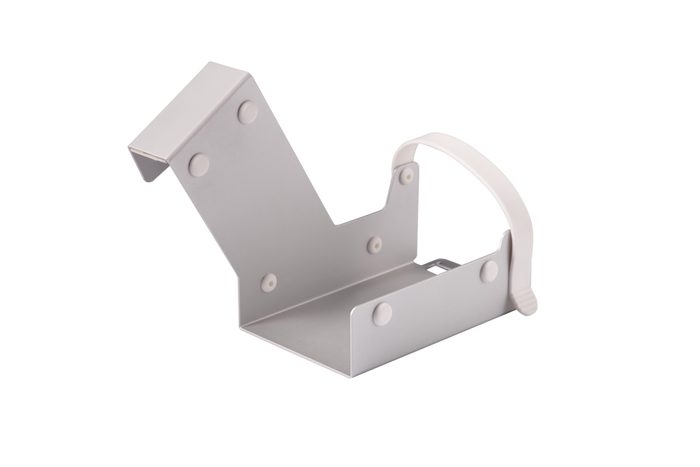
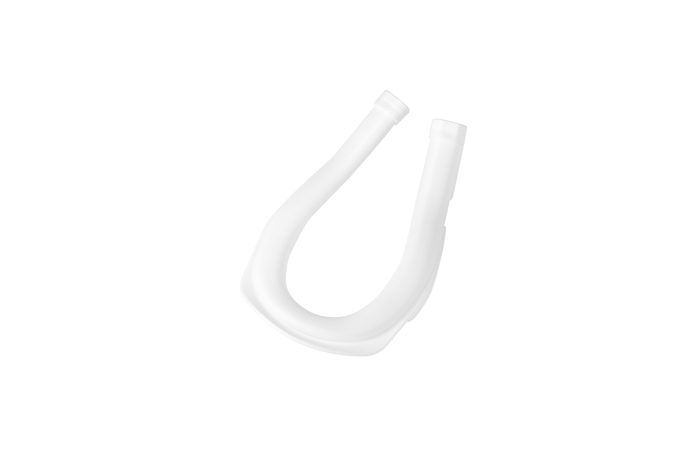
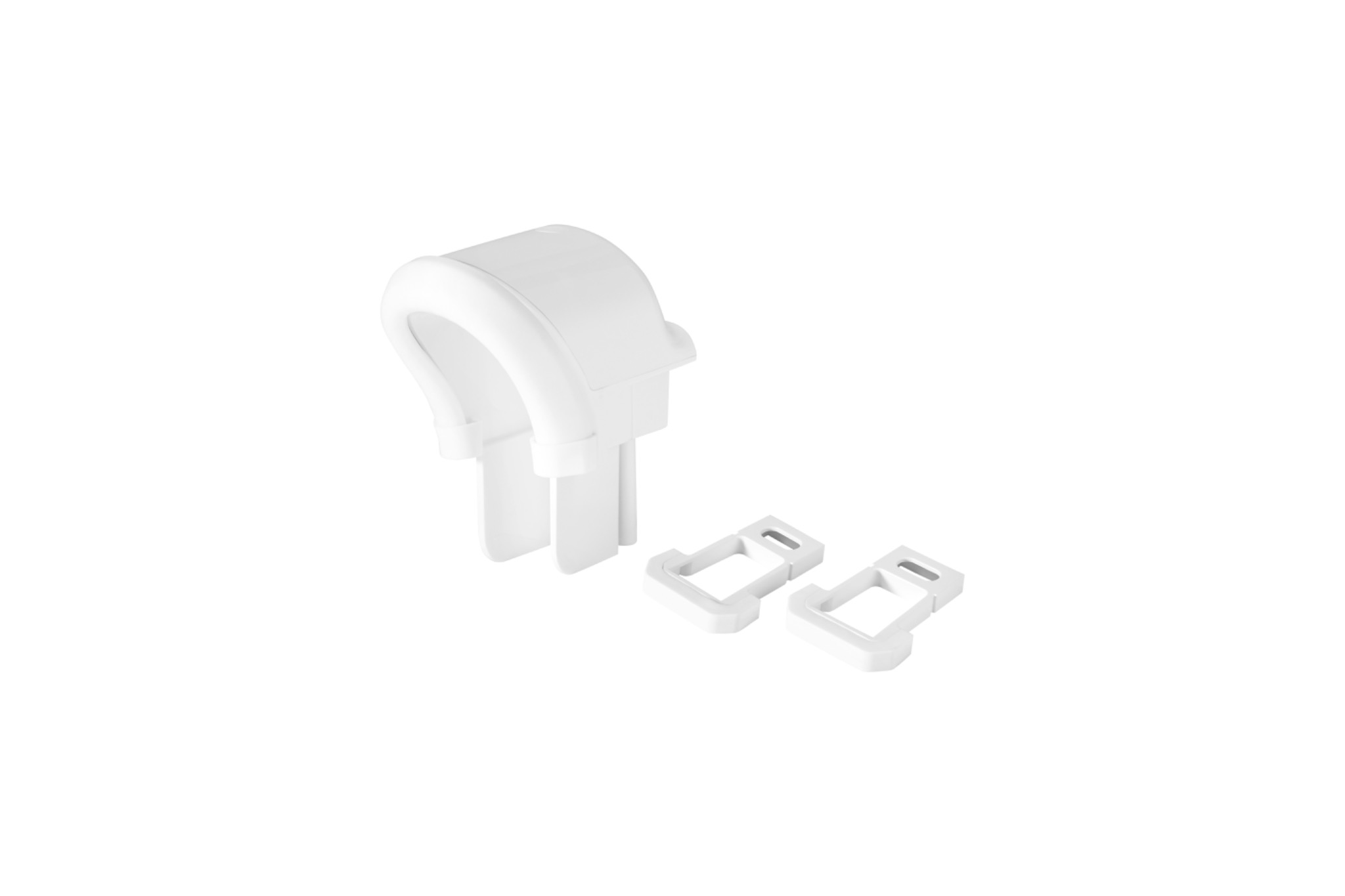
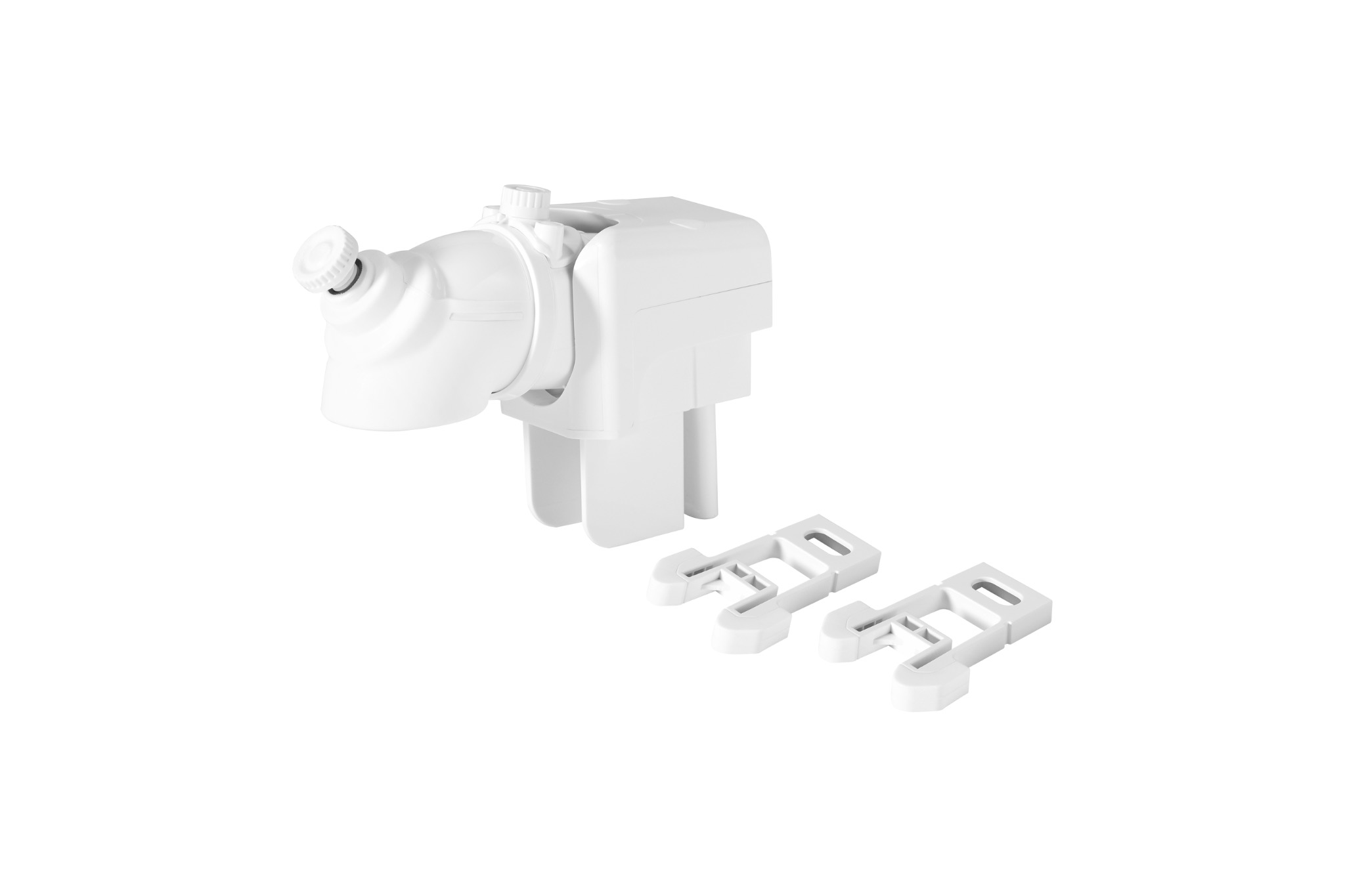
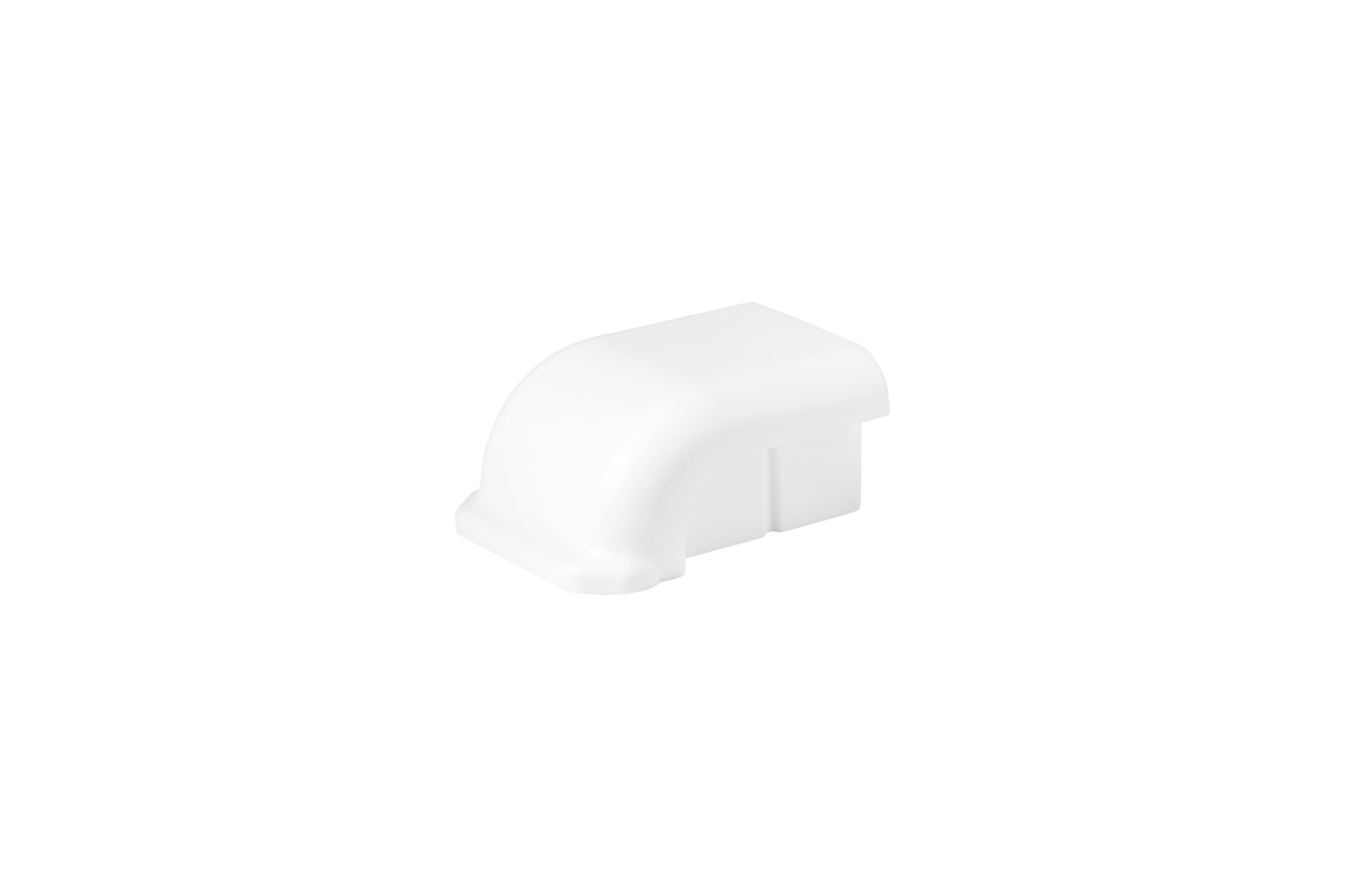
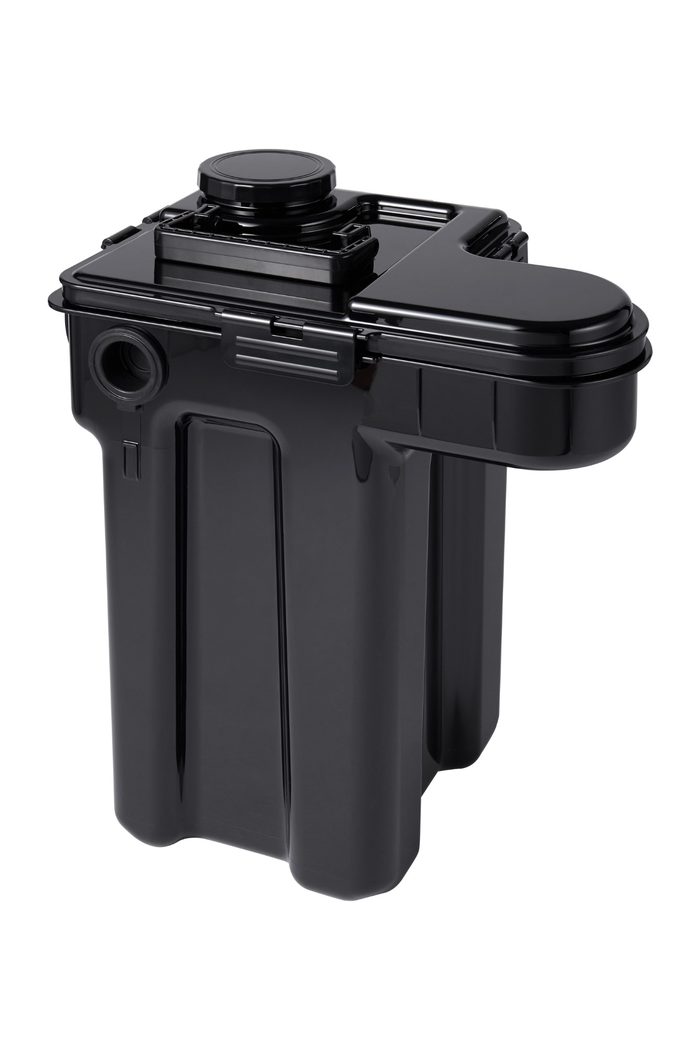
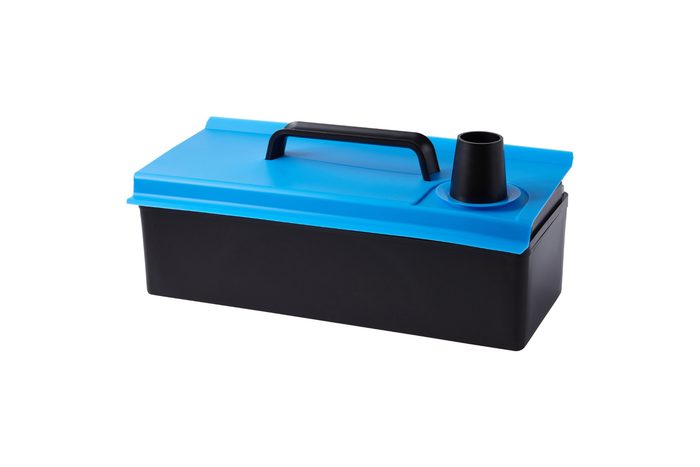
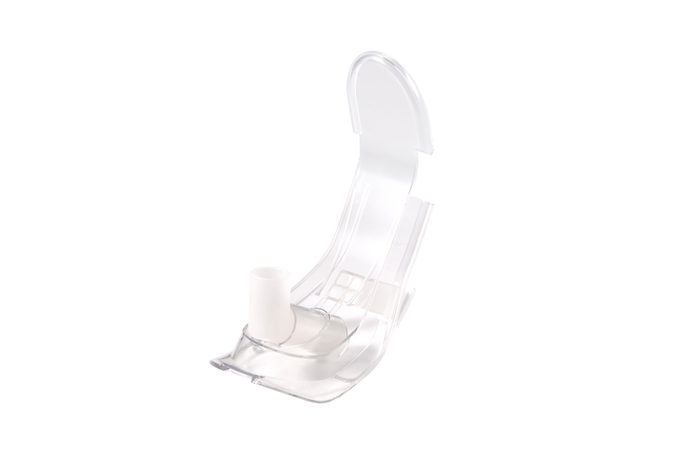
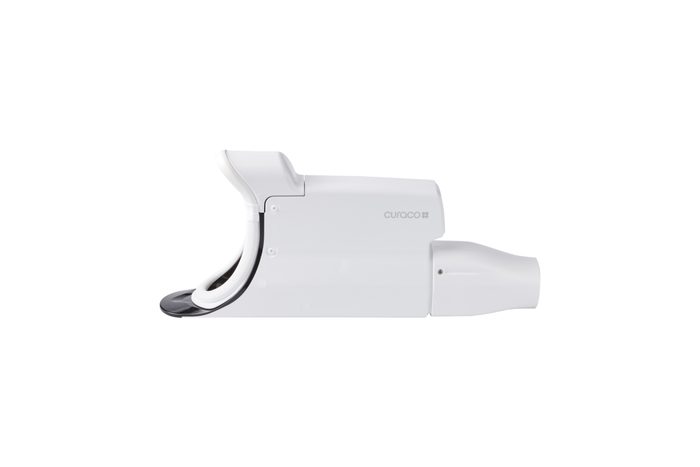
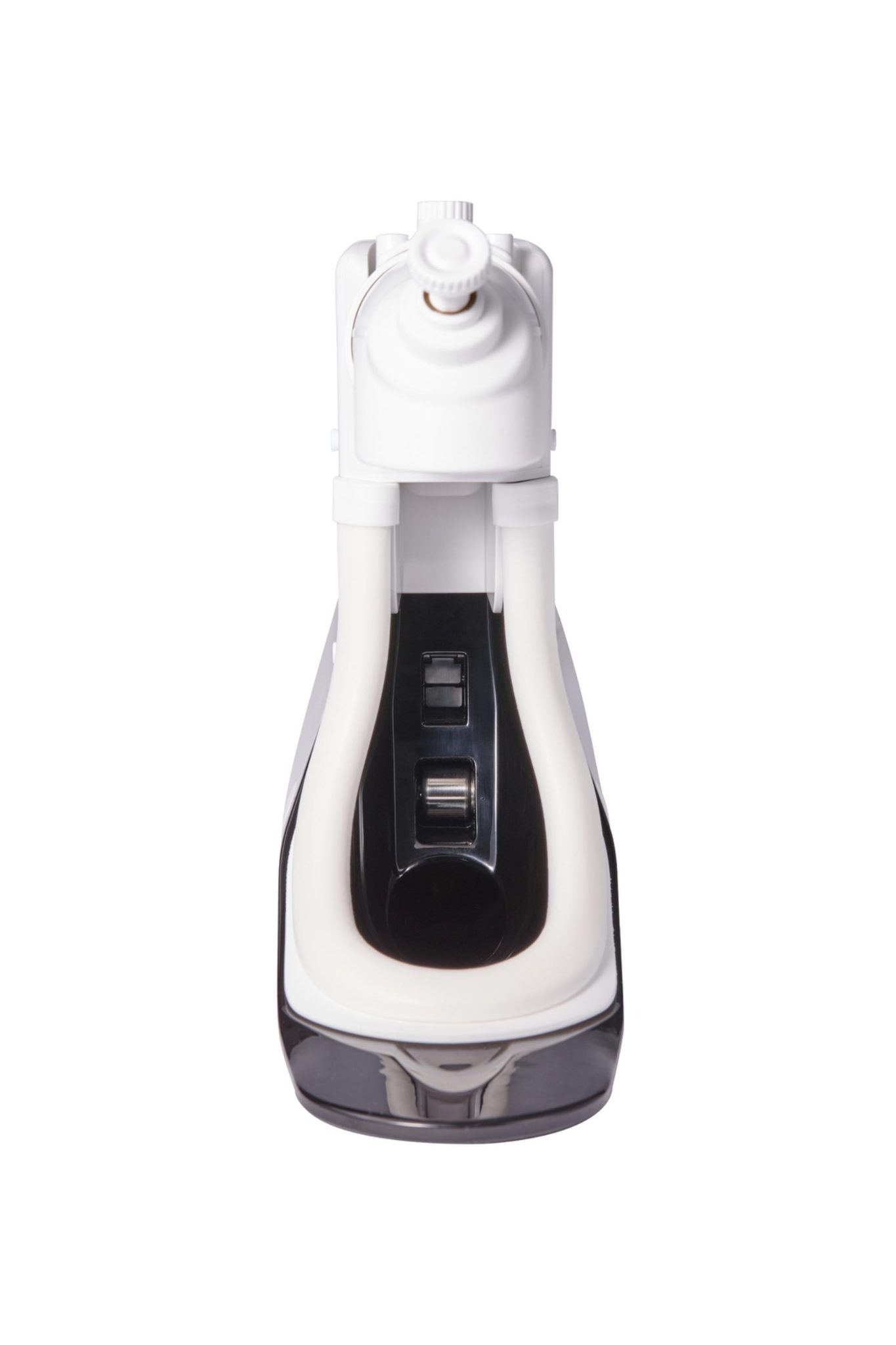
Use the actual Carebidet component photos as a visual reference. This section follows the training videos so users can identify a part after they have found the procedure they need.
Troubleshooting
Start with the message on the Carebidet display. Use the quick steps below, or return to the Troubleshooting training video above for a visual walkthrough.
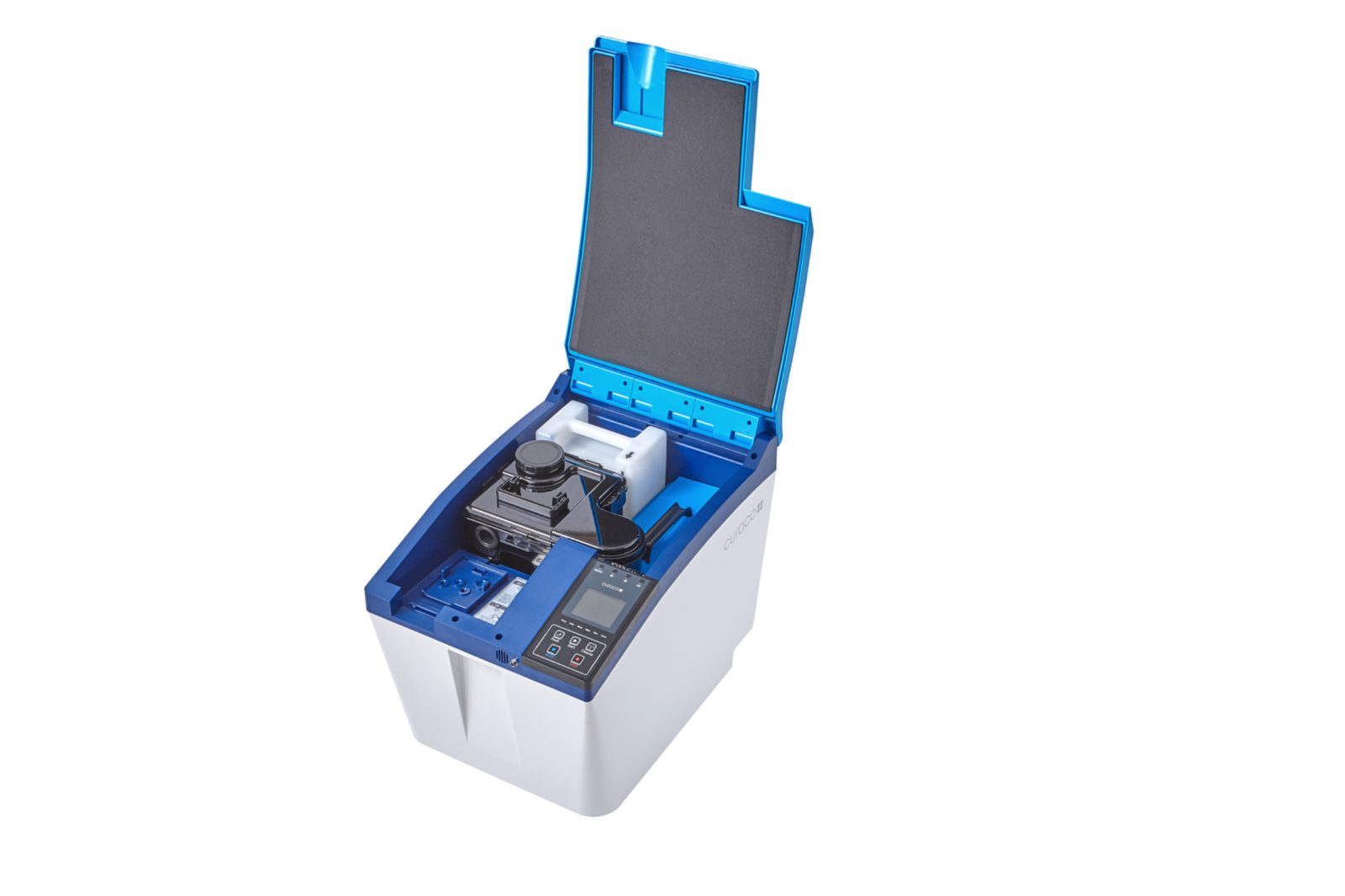
For a visual walkthrough, see Video 17 — Carebidet Troubleshooting in the Training Video Library.
Confirm the selected module is fully seated. If it appears installed but the alert remains, remove it and reinstall it firmly.
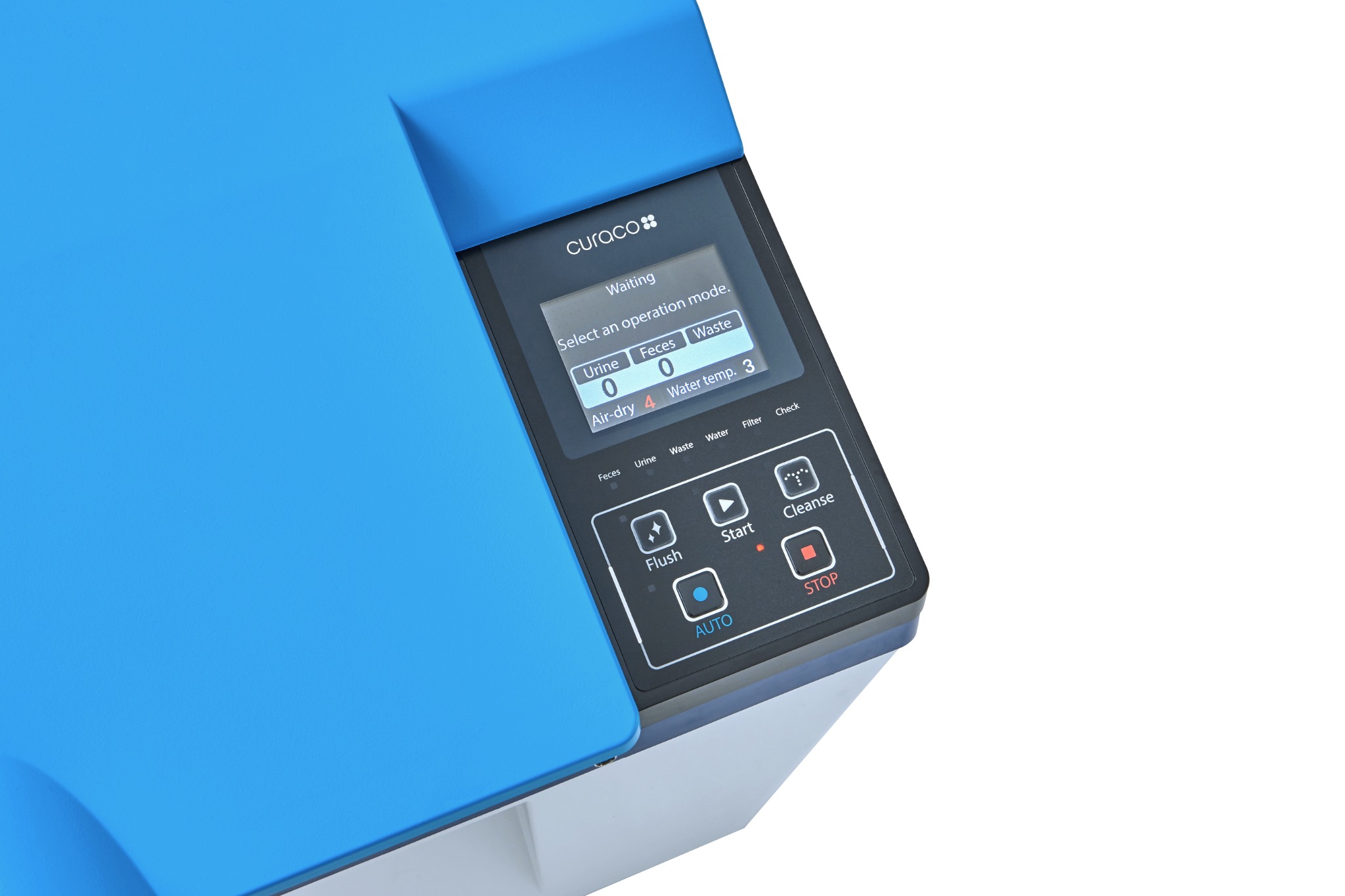
Press AUTO. The display should show WAITING, indicating Carebidet is ready to detect urine or feces.
If the tank is full but the alert remains, check its position. The reference card specifies that the black arrow should face the Sewage Tank.
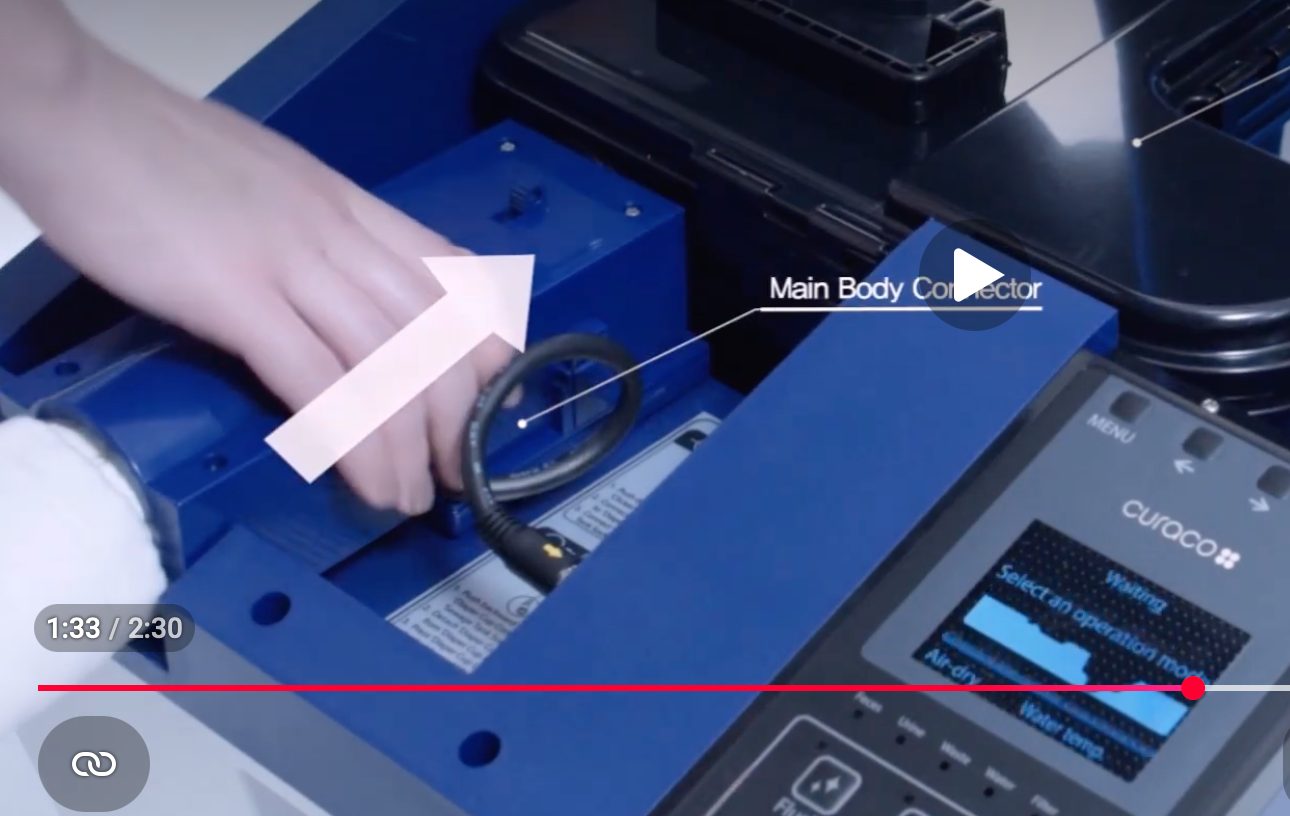
Connect the Diaper Cup assembly to Carebidet in two places. First, slide the blue Main Body connector toward the Sewage Tank until it clicks into place. Then plug the electrical connector wire into the port next to the control panel.
Empty the Sewage Tank when prompted. Carebidet will not operate when the tank reaches 100%. Also make sure no heavy object is resting on the unit and causing an incorrect full-tank alert.
Inspect the Diaper Cup for debris that was not removed by automatic suction. Remove and clean the cup as directed, then replace it and confirm the alert clears.
Interactive User Manual
Open the complete manual in an easy-to-read flipbook viewer, move page by page, or jump directly to any page. A downloadable PDF remains available for printing and offline reference.
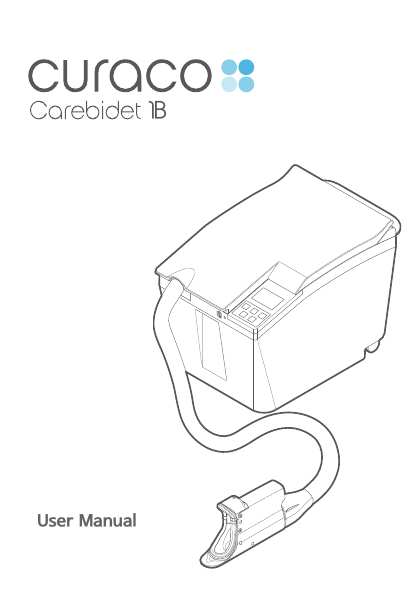
Operating, cleaning, maintenance, safety, troubleshooting and reference information in one complete manual.
Opens the final Carebidet page-turn manual viewer in a new tab.
Open any of the 18 printable Carebidet Quick Guides from one convenient list.
Browse All Quick GuidesReview common Carebidet alerts and first-response steps.
Watch Troubleshooting VideoNeed More Help?
If an alert remains active or you are unsure about a procedure, request training or technical support rather than guessing.